 SynthOS
Withdraw Flow
Step-by-step guide to withdrawing funds from your SynthOS vault
Withdraw From Positions
When you want to exit a strategy:
Withdraw from Strategy to Vault

Navigate to: Your Vault → Select Position → Click "Withdraw"

Enter amount:
- Partial withdrawal: Specify USDC amount
- Full withdrawal: Click "Withdraw Max"
- Review expected output (after fees)
What happens:
- Your receipt tokens are redeemed on the destination chain
- USDC bridges back to your vault on Scroll
- Shows as "Processing" (2-5 minutes)
- Validator confirms arrival
- USDC appears in your vault as idle assets
Important: Funds go to your vault, not your wallet. This is intentional - the vault handles all cross-chain operations.
Withdraw from Vault to Your Wallet
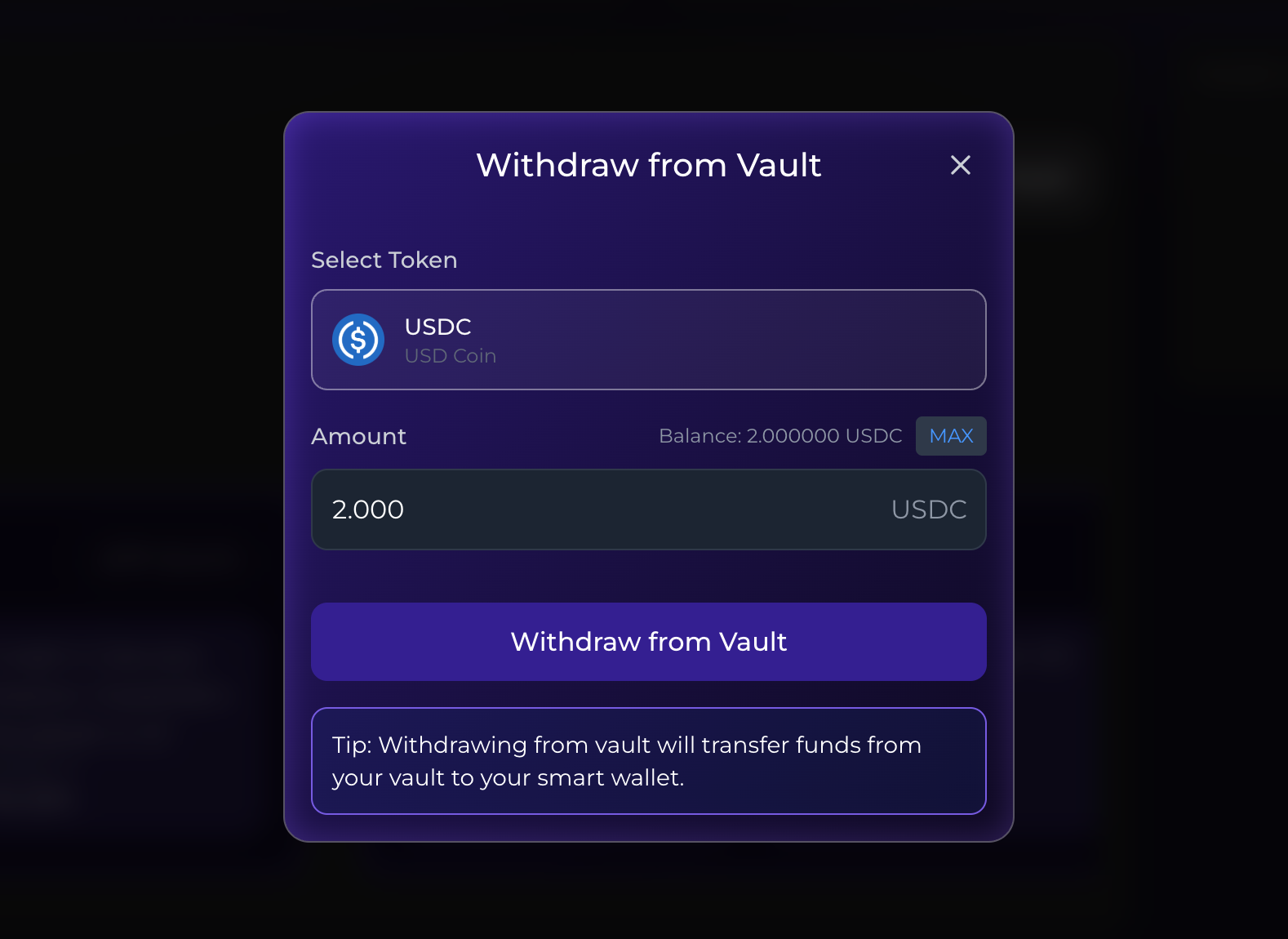
Once funds are in your vault:
- Navigate to "Vault Balance"
- Click "Withdraw to Wallet"
- Select USDC or ETH
- Enter amount
- Confirm transaction
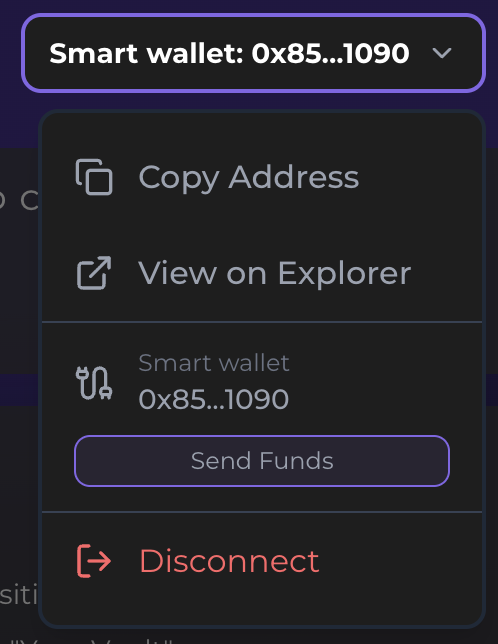

Enter destination:
- Enter the destination wallet address on Scroll network
⚠️ Important: Withdrawals are only on Scroll network. Sending to a wallet on the wrong network will result in permanent loss.
Confirmation time: Instant (same-chain transaction)
Two-Step Withdrawal Summary
Why two steps?
- Strategy → Vault: Handles cross-chain bridging and protocol withdrawals
- Vault → Wallet: Simple transfer on Scroll
This design keeps your transactions efficient, secure, and fully automated across chains.